


Key Takeaways
- How to access CoinPoker from Android, iPhone and iPad through the app or a mobile browser;
- What to expect when installing the Android client from the official Download page;
- How to use the same registered account across desktop and supported mobile devices;
- What payment methods, welcome rewards and free poker options are available in Canada;
- How the mobile lobby supports cash games, tournaments and up to four simultaneous tables;
- Where to find official help for installation, connection or account issues.
CoinPoker Mobile Access Through an Installed Client or Web Browser
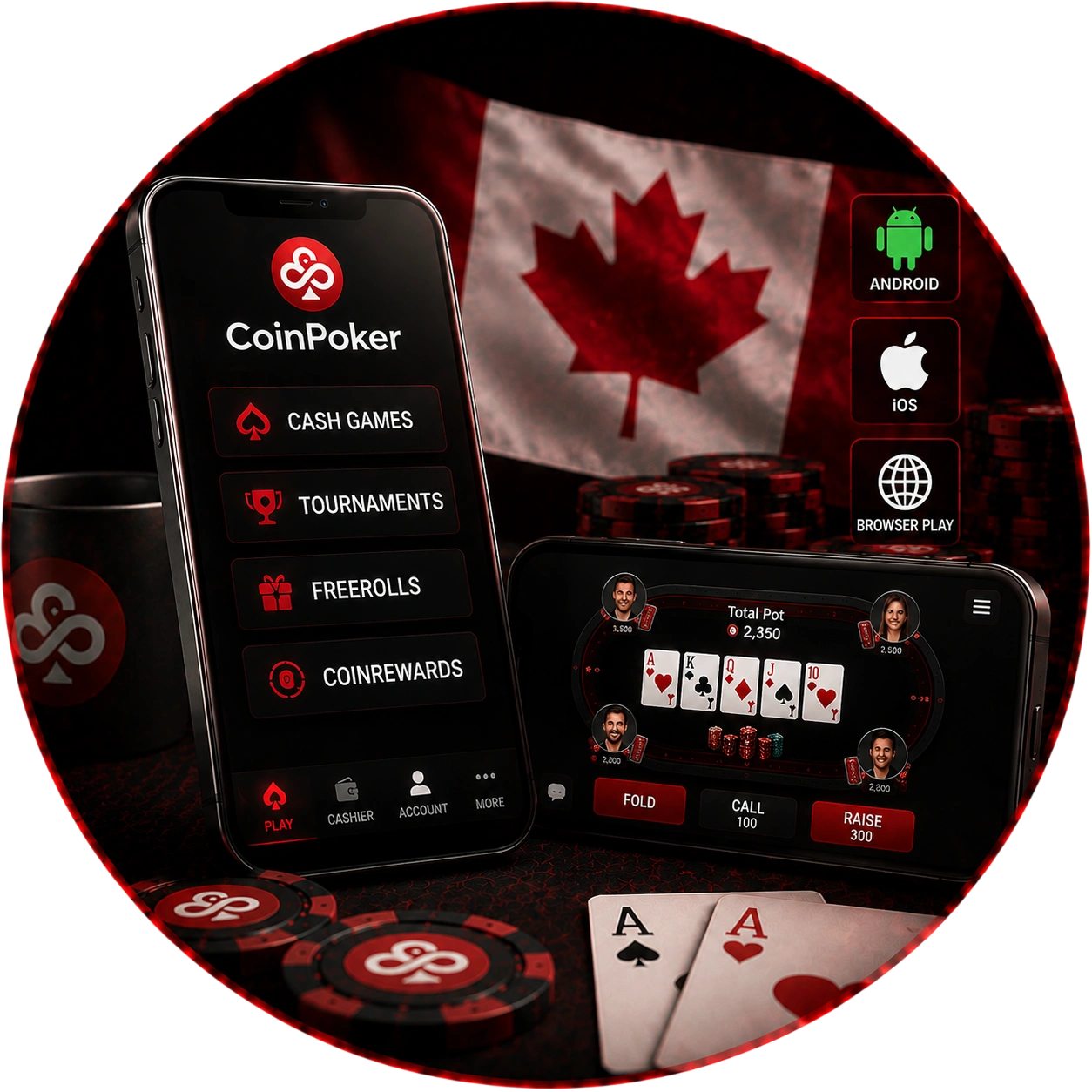
For Canadian users, CoinPoker mobile access works through an installed client or browser. Installation keeps the software directly on the device. Browser play reaches the tables without another local program.
Both routes connect to the same poker environment, including access to any active CoinPoker promotions and rewards linked to the account. Your login remains linked when the access method changes. The choice therefore depends mainly on storage, browser preference and device settings.
Android, iOS and No-Download Ways to Reach the Tables
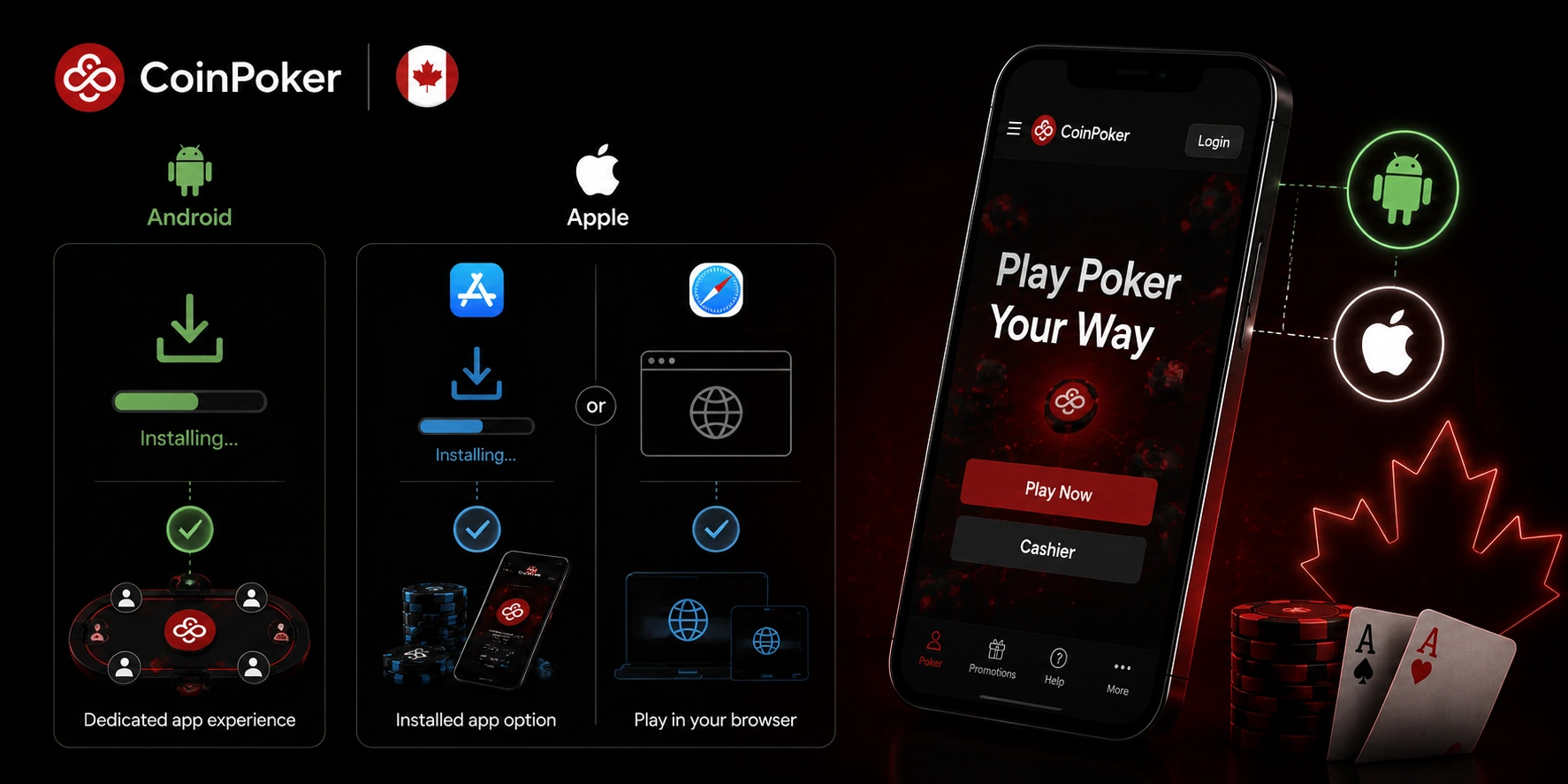
Android users can install dedicated software from the official source. Apple users have both installed and browser options. The browser route needs no separate poker installation.
Chrome is recommended for Android browser play. Safari is recommended on iPhone and iPad. Apple devices can also use Chrome or Firefox for browser sessions.
Installing the Android Version Directly on Phones and Tablets
To download the CoinPoker app on Android, go to the official download page. The Android app is compatible with popular Samsung, Xiaomi, and Redmi devices. The installation process is the same for both phones and tablets.
Third-party APK catalogues are unnecessary for setup. Android may show different permission menus across manufacturers. Starting from the official page keeps the setup source clear.
Download Permission, System Warnings and Opening the Client
Some Android versions require permission for files outside the Play Store. Samsung and Xiaomi or Redmi place this control in different settings menus. Play Protect or Auto Blocker may also interrupt installation. Complete setup in this order.
- Allow installation: enable Install unknown apps for the browser that received the file.
- Accept the warning: choose Download Anyway if Android displays that message.
- Finish setup: install the file and tap Open.
- Enter account details: sign in or register with email and password.
- Confirm the email: enter the verification code sent after first sign-in.
After confirmation, the wallet and poker lobby become available. Existing users do not need another registration. New users can continue directly with the verified profile.
Playing from iPhone and iPad Without Being Tied to One Method
For Apple users in Canada, CoinPoker iOS access supports an installed version and browser play. Both iPhone and iPad use touch-oriented controls. The larger tablet screen provides more space for table information.
The phone keeps key navigation close to thumb reach. Browser play does not depend on keeping the installed client open. Both device types retain the same core account functions.
App Installation, Browser Entry and a Home-Screen Shortcut
The installed Apple route starts from the official Download page. Browser users can enter through Safari, Chrome or Firefox. Safari can also create a home-screen shortcut. Set up the shortcut as follows.
- Open the web client: load it in Safari on iPhone or iPad.
- Open sharing: use Safari’s menu and select Share.
- Add the icon: choose Add to Home Screen and confirm.
- Reopen later: use the new icon for future browser sessions.
The shortcut remains a browser entry point. Removing it does not remove the registered profile. You can still return through another supported route.
Deposits, Welcome Rewards and Free Poker Entry from Canada
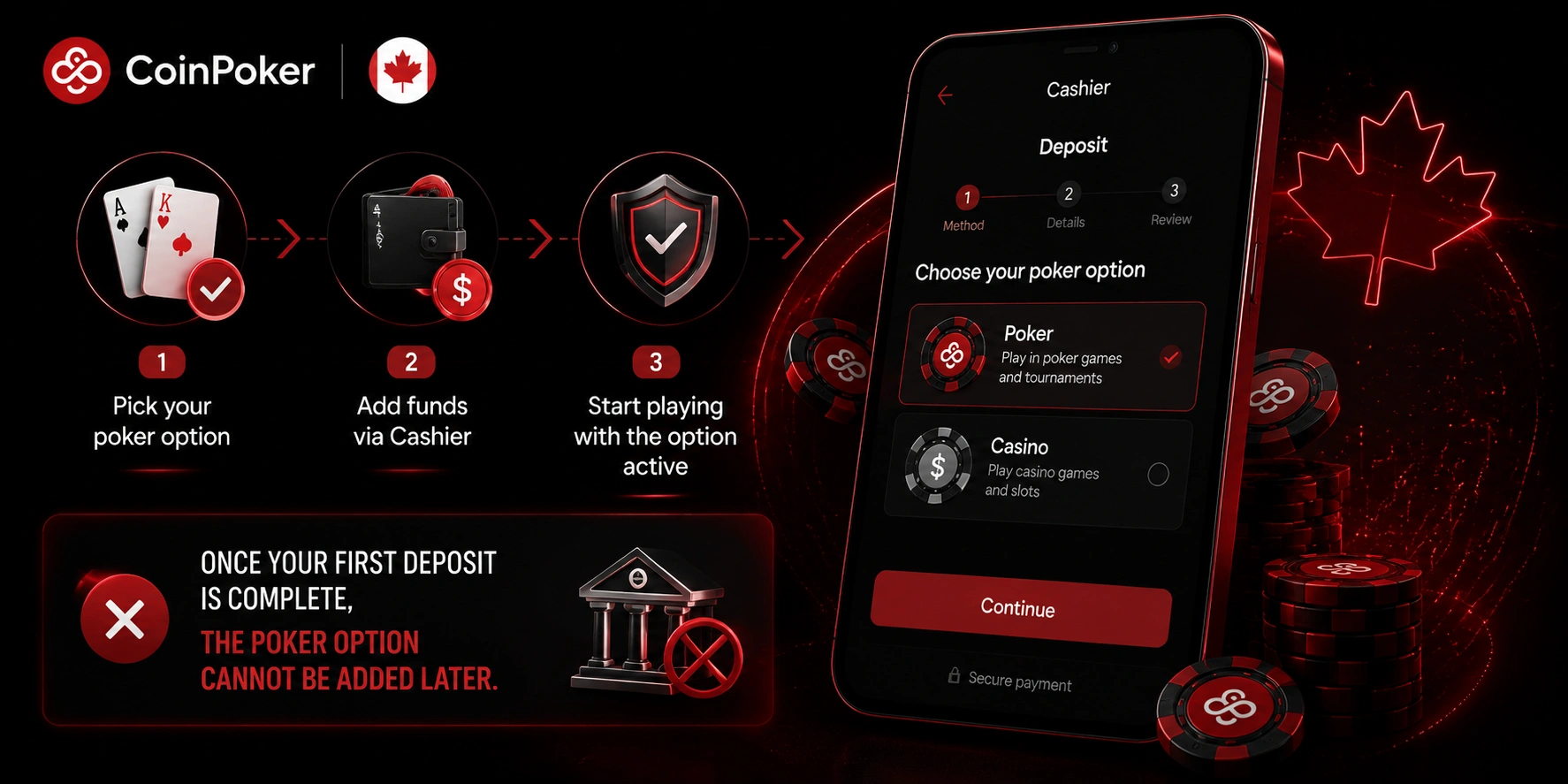
For Canadian users, the CoinPoker app includes cashier controls for funding the playing balance. Crypto deposits and bank cards are supported. Available choices appear before payment is confirmed.
You can select an eligible promotion inside the cashier. Crypto funding can start from a personal wallet or exchange. Card payments follow the separate card flow shown on the device.
Crypto, Bank Cards, 150% First Deposit Offer and Freerolls
The first-deposit poker offer provides 150% up to $2,000 from a qualifying deposit of at least $10. The reward is selected before payment. Its funds unlock through eligible real-money poker play.
Players can also enter available freerolls or low-cost Centrolls. These sit inside the tournament schedule rather than the cashier. They should not be described as a no-deposit bonus.
Continuing an Active Tournament After Switching Devices
A tournament can start on desktop and continue from Android or a mobile browser. The same registered profile remains in use. No second sign-up is needed for the phone.
If a connection drops, the tournament seat is not removed immediately. Reopening the client or browser lets you return through the lobby. The running event remains tied to the existing registration and stack.
CoinPoker Poker Lobby Adapted for Touch and Simultaneous Tables
The mobile lobby gives Canadian users cash games and tournament schedules through touch controls. Table selection is arranged for taps rather than mouse movement. The Canadian setup supports up to four tables simultaneously.
A tablet gives more room for monitoring several tables. A phone still lets users move between active tables. Cashier and tournament registration stay inside the same mobile environment.
Hold’em, PLO Variants, Cash Games and Mobile MTTs
Texas Hold’em, Pot Limit Omaha, PLO5 and PLO6 are available on supported mobile devices. The lobby also carries cash games and scheduled tournaments. Freerolls and qualifying events are included as well.
Mobile MTT entry uses the existing registered profile. Users can move between Hold’em and Omaha listings from the handheld interface. The mobile layout preserves access to the wider poker selection.
Account Safety, Browser Performance and Mobile Help in Canada
For users in Canada, CoinPoker mobile access includes email confirmation and official access routes. Chrome is recommended on Android. Safari is recommended on iPhone and iPad. The browsers also have distinct practical strengths.
| Browser | Highlighted strength | Mobile benefit |
| Chrome | modern web standards and phishing protection | consistent lobby loading with browser security tools |
| Safari | iOS integration, tracker blocking and iCloud sync | lower battery use with Apple-device continuity |
The Help Center covers installation, connection and profile issues. Support can review problems that continue after basic troubleshooting. Device, operating-system and connection details can help explain a technical issue.